Photo Documentation, Daily Logs, and Punch Lists for
Roofers
Turn the photos your crew is already taking into daily logs, punch lists, organized galleries, and client-ready PDF reports. One organized record per project — and proof on file the day a dispute comes up.
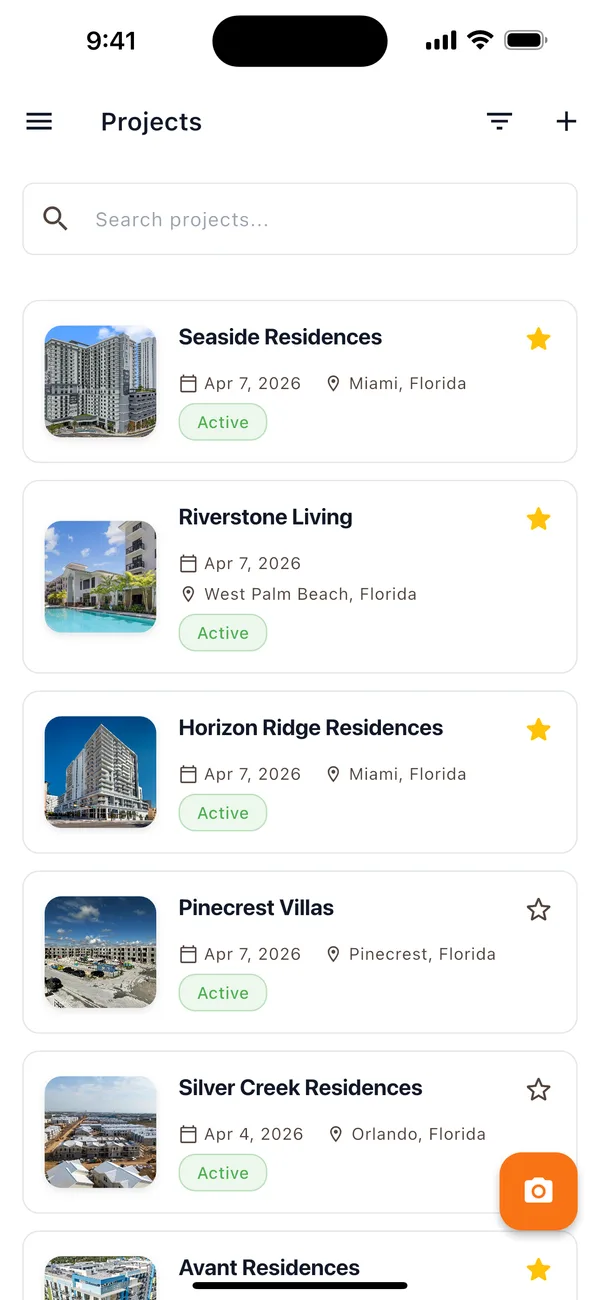
 +2
+2Metal Framing Started
Apr 7, 2026 · 3:00 PM
Carlos Ramirez
 +1
+1Fix Door Paint Patch
Apr 7, 2026 · 10:00 AM
Derek Thompson
Your crew can update progress from anywhere
Works on any device — so your team actually uses it, from the trailer to the job site
Less clutter. More proof. Happier clients.
Here's how OnsiteSync keeps your projects organized, your records defensible, and your team aligned — so you're protected when disputes come up.
Daily Logs That Write Themselves
Get photo-backed updates from employees and subs about what they completed — without chasing anyone down.
- Crew members post updates with photos and descriptions directly from the field
- See before and after photos on every entry to track progress at a glance
- Search and filter any log by date, keyword, or crew member — everything is backed up in the cloud
- Drill into any day for the full picture — threaded comments, @mentions, photos, and a complete activity timeline

Punch Lists Nobody Loses Track Of
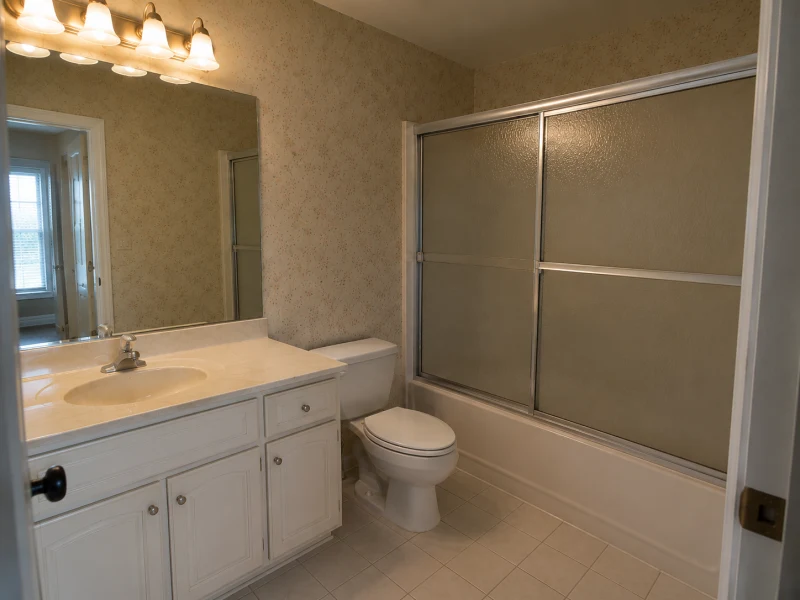
Track every open item, assign it to the right person, and know exactly what's done and what's left.
- Move items through Pending, In Progress, and Completed so the whole team sees status at a glance
- Generate punch items directly from daily logs — title, photos, and context carry over automatically
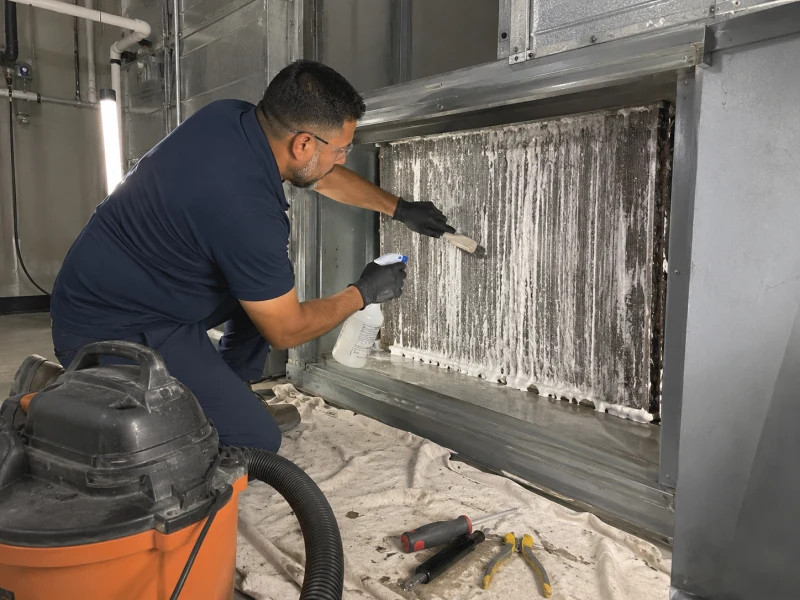
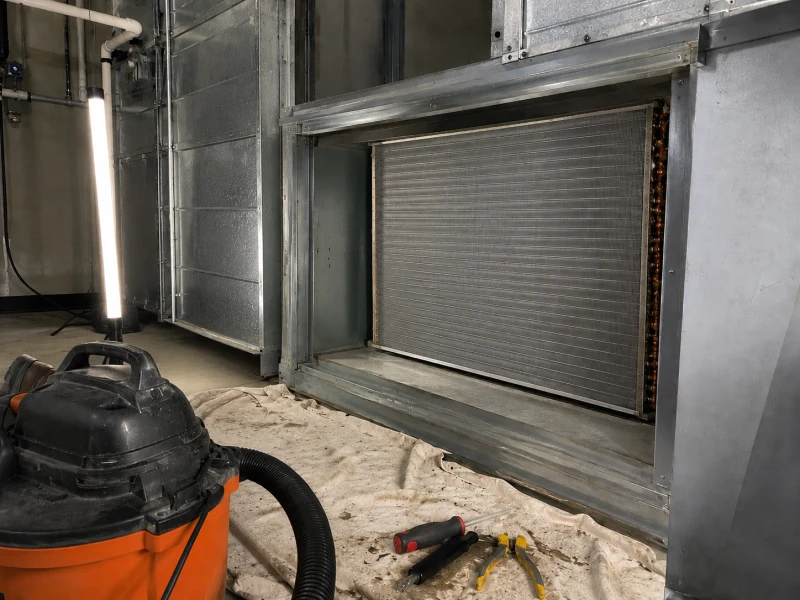
- Document before and after photos on every item so there's a clear record of what was done
- Keep conversations in context with threaded comments and @mentions on every punch item

Job Site Photos, Organized by Project
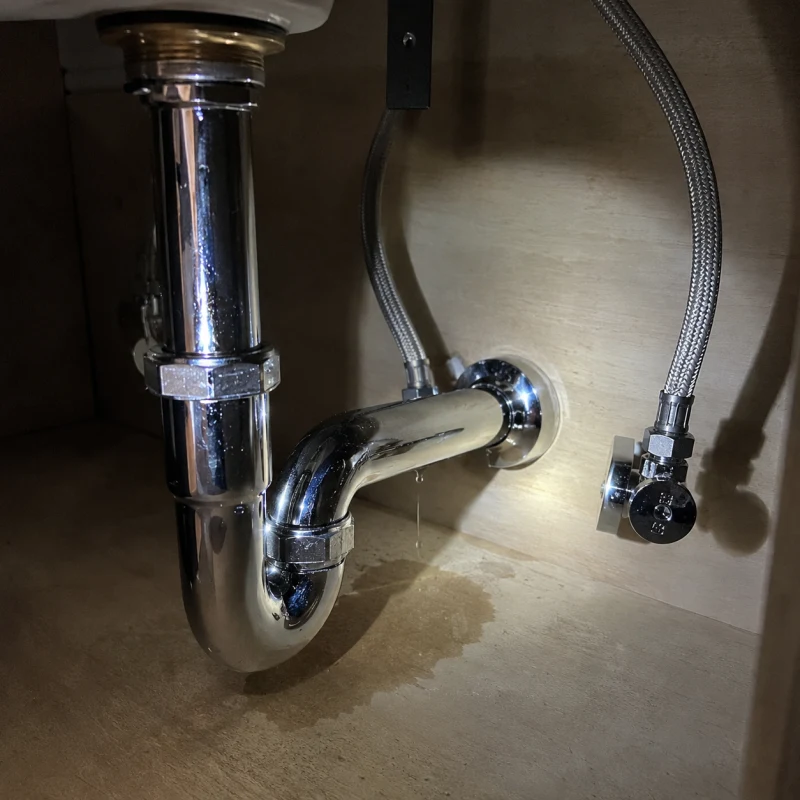
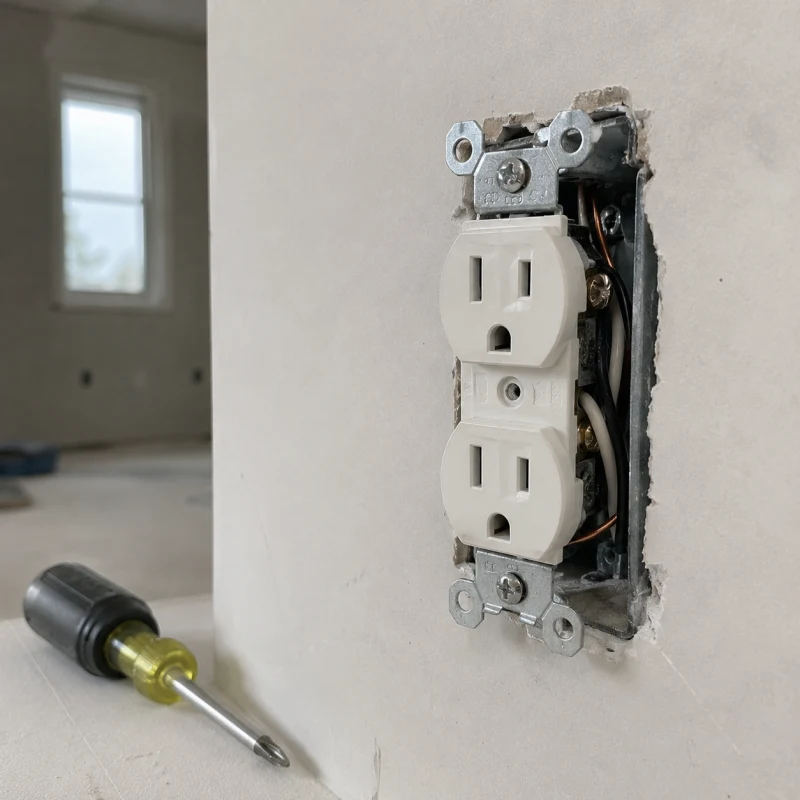
No more digging through camera rolls — every job's photos stay organized by project and backed up for good.
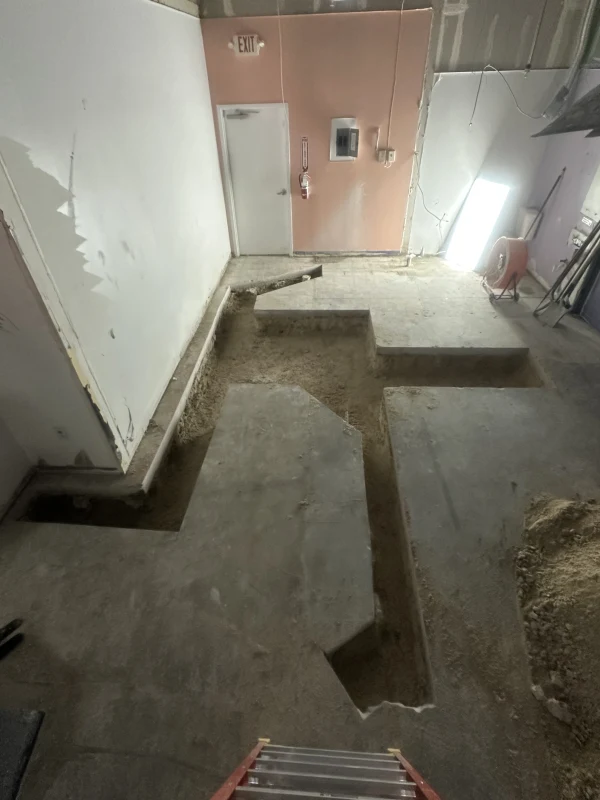
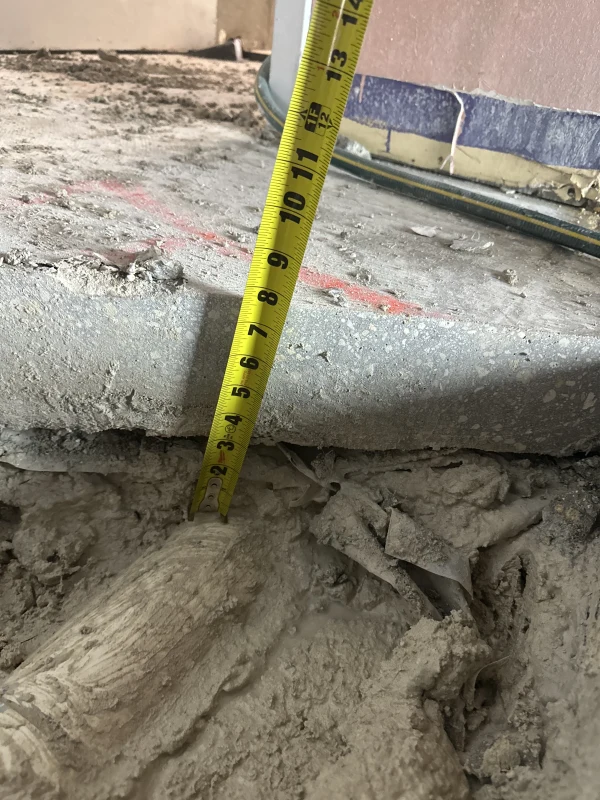
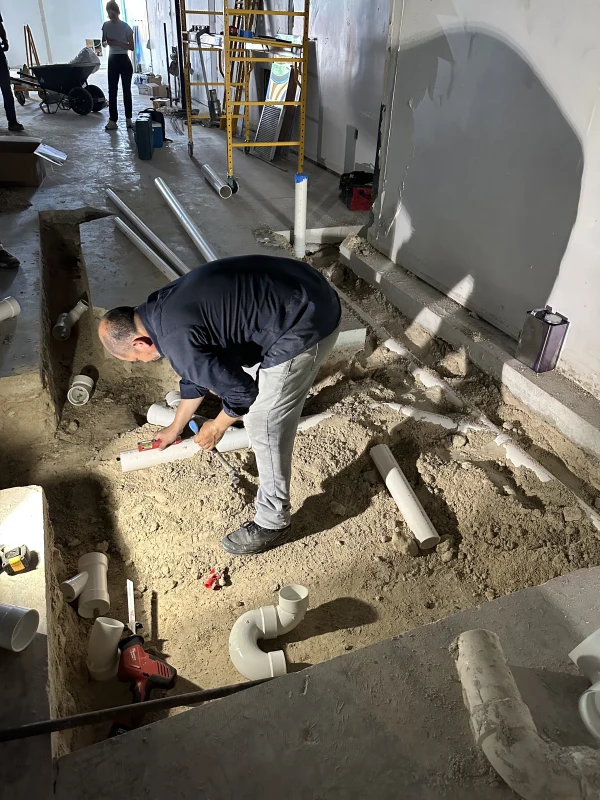
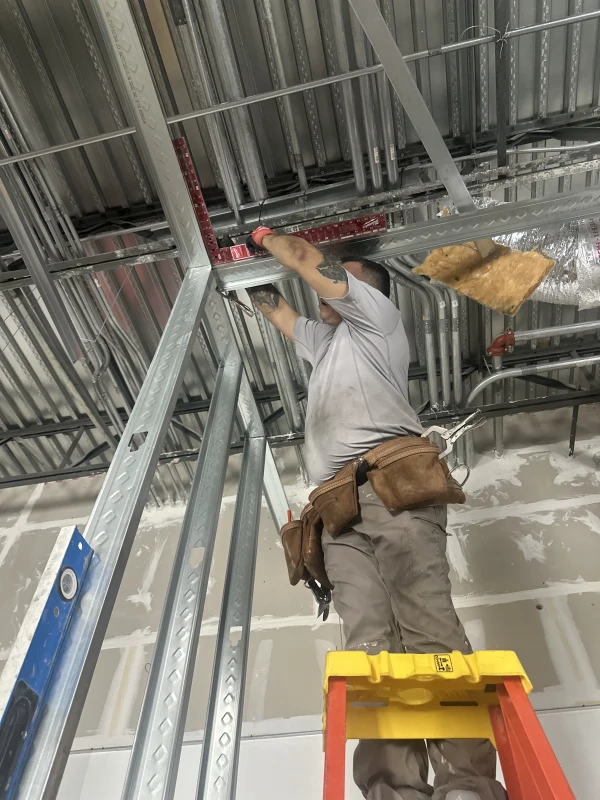
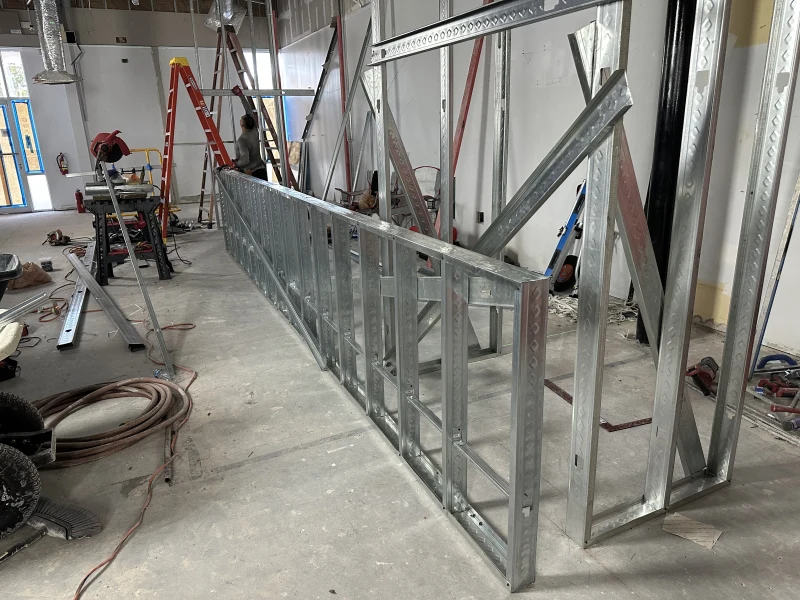
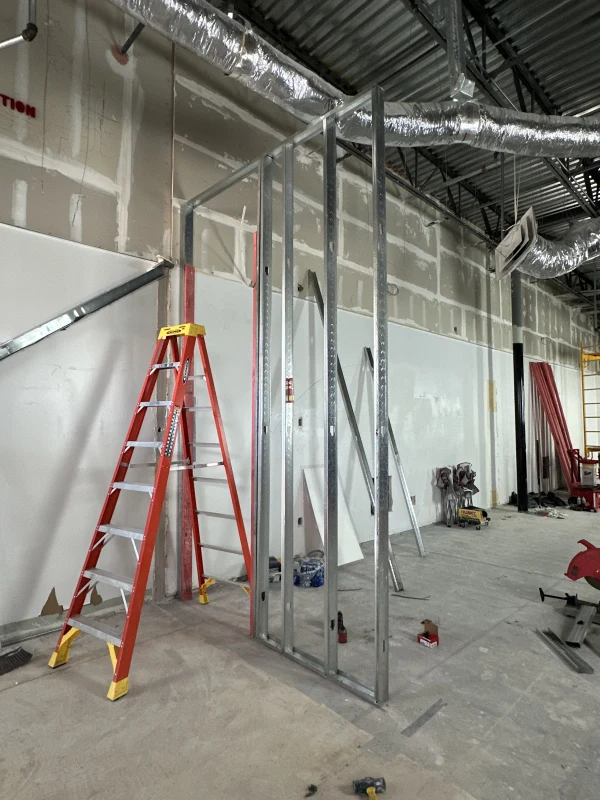
- Every photo lands in the right project automatically — no more mixing up jobs or scrolling endless camera rolls
- Pull up photos from a job years later in seconds — they're stored in the cloud forever until you delete them, so nothing's lost when a phone breaks or a crew member leaves
- Find the exact shot you need fast with a searchable gallery filtered by project, date, log, or punch item
- Know exactly when and where each photo was taken — every upload is GPS-tagged and time-stamped
Every Subcontractor in One Dashboard
Manage every sub, crew member, and stakeholder from a single project hub — no more scattered communication.
- See every contractor's progress in one place instead of chasing updates across texts and emails
- Three simple roles — Admin, Manager, Contributor — so subs see only their own work, never your other jobs or numbers
- Onboard anyone in seconds with an email invite
- Managers handle day-to-day oversight while subs stay focused on their own tasks and updates
Client-Ready PDF Reports in About a Minute
Generate polished PDF reports that make every project look buttoned-up — without spending hours formatting.
- Impress clients and inspectors with four report types: Project Overview, Daily Logs, Punch List, and Custom
- Include exactly what matters — configure date ranges, photos, activities, and project details
- Reports generate in the background so you're not waiting around — just download when ready
- Share or preview polished PDFs directly in your browser — no extra software needed
Shareable Links Clients Open Without an App
Share progress with clients, inspectors, or subs with a simple link — no login or app required.
- Build trust with clients by giving them a window into progress — without exposing your full project
- Let inspectors review completed work or subs check their open items from any device
- Save time answering status update requests — send a link and they can see for themselves
- Stay in control of what's shared on a per-item basis — nothing goes out unless you send it
The right access for every team member
Three simple roles — Admin, Manager, and Contributor — so everyone has exactly the permissions they need, and nothing they don't.
Admin
Project owners & general contractors
Full project control — manage the team, assign roles, and access project settings
Manager
Site supervisors & trusted foremen
Day-to-day oversight — organize all content and invite Contributors
Contributor
Subcontractors & external collaborators
Focused on their own work — add content and update assigned todos
Project Team
Works on the Job Site, Even With No Signal
Your crew shouldn't have to wait until they're back at a desk to update progress. OnsiteSync works on any phone, tablet, or laptop — even without internet.
John Doe tagged you in an activity
Maria Garcia changed an activity status from In Progress to Completed
Mike Rodriguez commented on your activity
John Doe added you to Sunnridge Village II
Your role on Riverside Towers changed to Manager
However you work, we've got the proof
Any team documenting work on-site has the same challenge: proving it was done right. Here's how OnsiteSync solves yours.
Residential Construction
Keep homeowners updated on progress and document every detail to avoid disputes over finishes and change orders
Commercial Projects
Coordinate large crews across complex job sites and generate compliance-ready documentation for stakeholders
Renovation & Remodeling
Capture before-and-after proof for every phase — no more 'it wasn't like that' arguments
Restoration & Cleanup
Document water, fire, and mold damage from start to finish — the photo proof adjusters and clients need to approve claims fast
Cleaning & Janitorial
Prove every job was done right with before-and-after photos — proof of service for move-outs, commercial accounts, and recurring contracts
Specialty Trades
Prove your work was done right with GPS-tagged, timestamped photos — ready for inspections and warranty claims
Find your trade
What a roofer photographs is nothing like what a restoration crew records. See how your trade uses it.
Loved by construction professionals
See what our customers have to say about transforming their project management with OnsiteSync.
"Every job now has a clean photo record from start to finish. My installers document each room as they go, so instead of digging through everyone's phones I have one organized timeline for every project."
Vanessa
Owner, VIVID Flooring
"Between juggling subs, inspections, and punch lists, things slipped through the cracks. Since switching, nothing gets lost — and I'm probably saving five or six hours a week on coordination alone."
Jorge
Contractor and Owner, Zuniworks
"Getting accurate field updates used to mean a dozen phone calls. The crew logs it themselves now, and having everything timestamped has been a lifesaver whenever an invoice gets challenged."
Carlos
Project Manager, Coastal Build Group
Simple, transparent pricing
Only Admins and Managers are paid seats. Contributors are always free — invite your whole crew.
Free during Early Access through Summer 2026. Once Early Access ends, you'll be prompted to subscribe to a plan to keep using OnsiteSync.
Frequently asked questions
Can't find what you're looking for? Contact our support team and we'll get back to you within 24 hours.
Contact Support→Spend less time on paperwork and more time building
Set up your first project in under two minutes. Your crew takes photos, you get organized records, timestamped proof, and client-ready reports — without changing how anyone works.